
Download VOBMerge – merge VOB files, DVD video, video merging tool, VOB merger, merge DVD files, VOB to MP4, VOB file converter
Overview
VOBMerge is a lightweight, portable application designed to merge multiple VOB files into a single, continuous video file. This tool serves a specific but valuable purpose for users who have extracted DVD video content and need to reassemble it into a unified playback format. The primary problem it solves is the fragmentation of DVD video data across multiple VOB files, which can hinder seamless viewing on digital devices or media players. By consolidating these files, VOBMerge enables users to enjoy full-length DVD movies directly from their hard drives without requiring physical disc insertion.
Target users include individuals who work with digital video archives, home media enthusiasts, and those who prefer storing DVD content in digital form. The application is especially useful for people managing large collections of DVD rips or converting legacy media for modern playback. Despite its niche function, VOBMerge holds a place in the digital media ecosystem as a reliable utility for video file consolidation.
Developed by Joe C. Jones, the tool has been available since 2010, indicating long-term stability and consistent performance. Although the developer did not provide additional technical details, the app’s continued relevance suggests it meets core user needs effectively. Its minimal size and lack of installation requirements further enhance its utility for users seeking a quick, no-frills solution.
Key Features & Functionality
- No Installation Required: VOBMerge is a portable application, meaning it can be run directly from a USB drive or local folder without altering system settings. This makes it ideal for use across multiple computers without leaving traces or requiring admin rights.
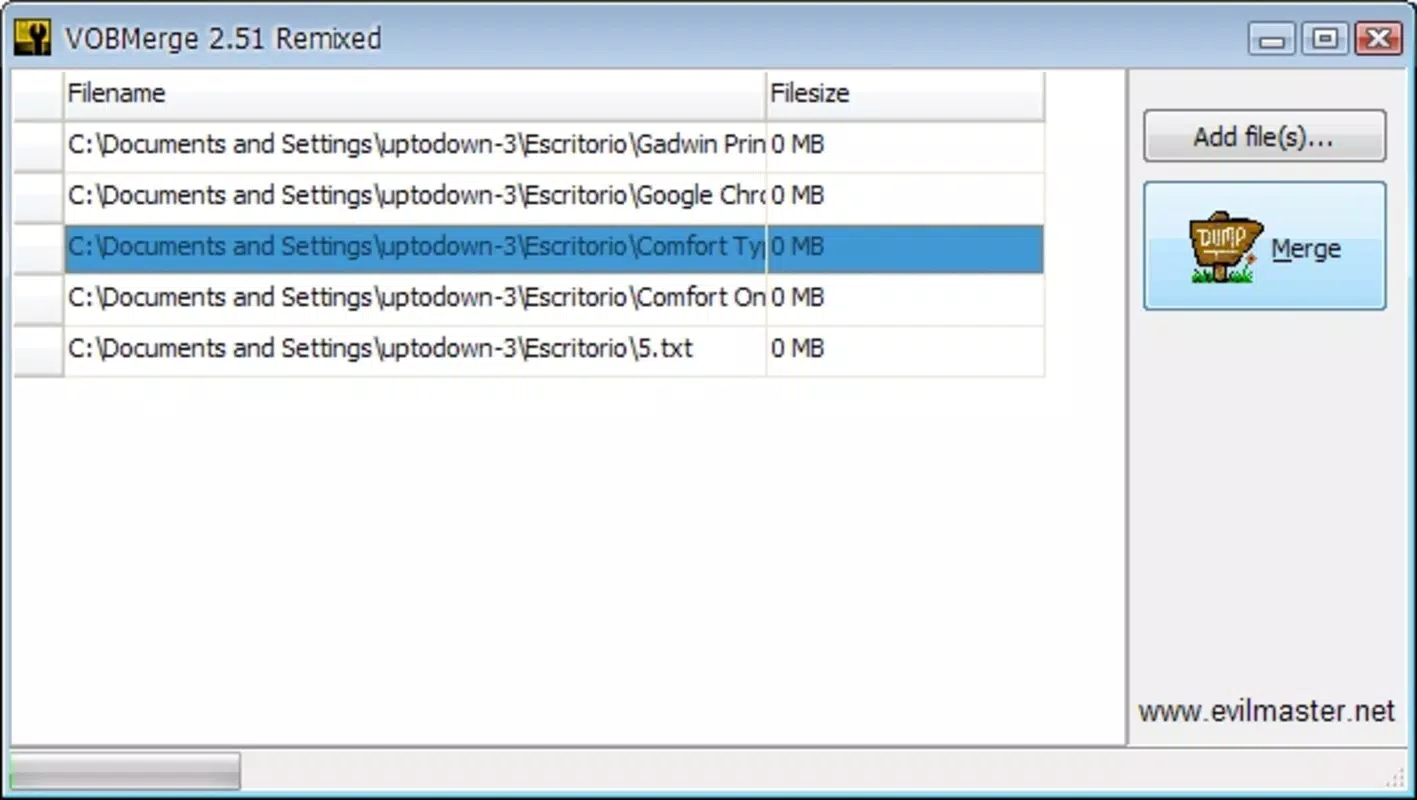
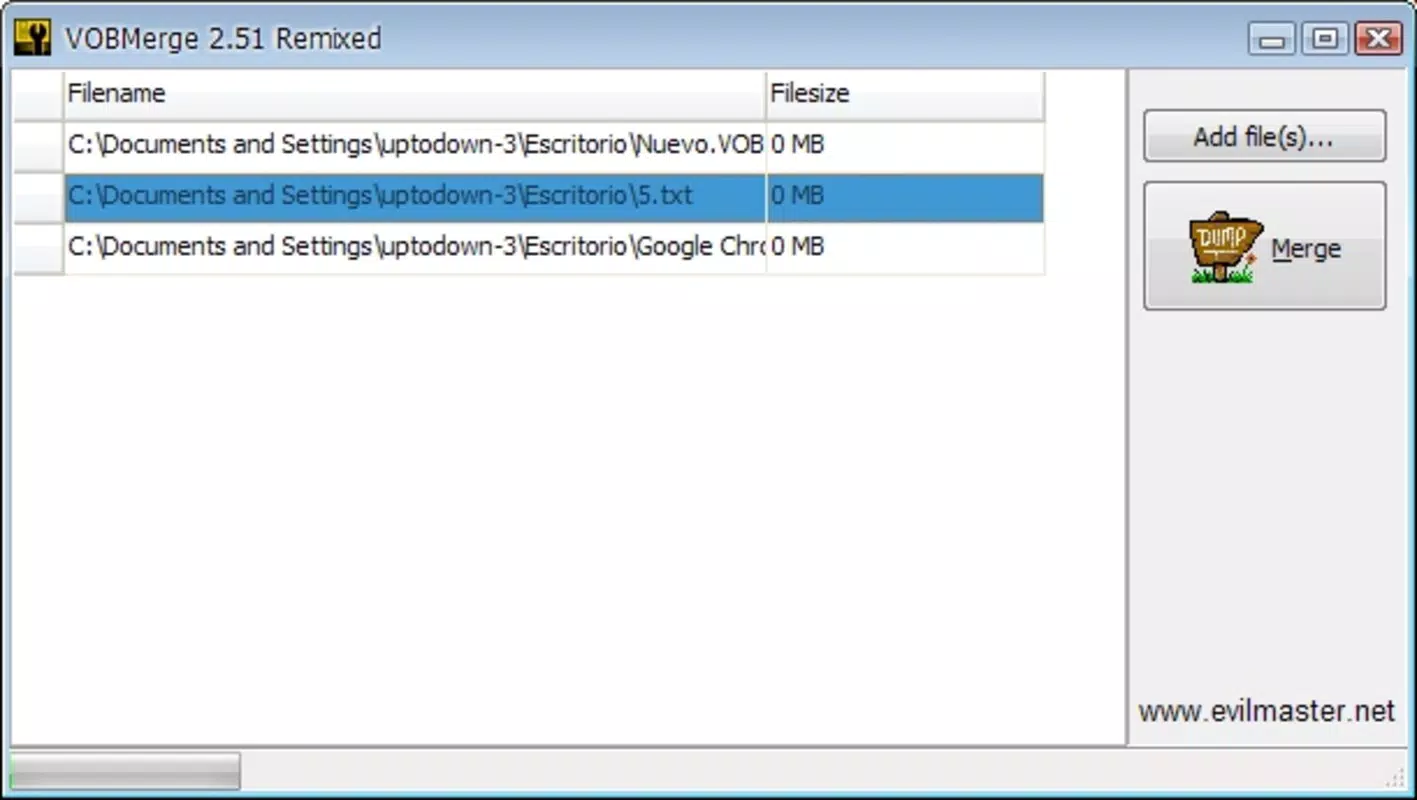
- Simple User Interface: The interface is designed for accessibility, allowing users to select VOB files and specify an output location with minimal effort. Even users with limited technical experience can navigate the tool without confusion.
- Automatic Merging Process: Once the files and destination are chosen, the application handles the merging process automatically, eliminating the need to configure complex encoding settings or manage intermediate steps.
- High-Quality Output: The merged video retains the original quality of the source VOB files, ensuring that playback remains sharp and free from artifacts, which is essential for preserving the viewing experience of full DVD movies.
- Occasional Usage Optimization: While merging VOB files is not a daily task, the tool is built for reliability during infrequent use, making it a convenient utility to keep on hand for when needed.
For example, a user who has ripped a DVD to their computer and received multiple VOB files can use VOBMerge to combine them into one file for playback in a media player. This is particularly helpful when transferring content to devices that do not support multi-file DVD playback.
Interface, UX & Performance
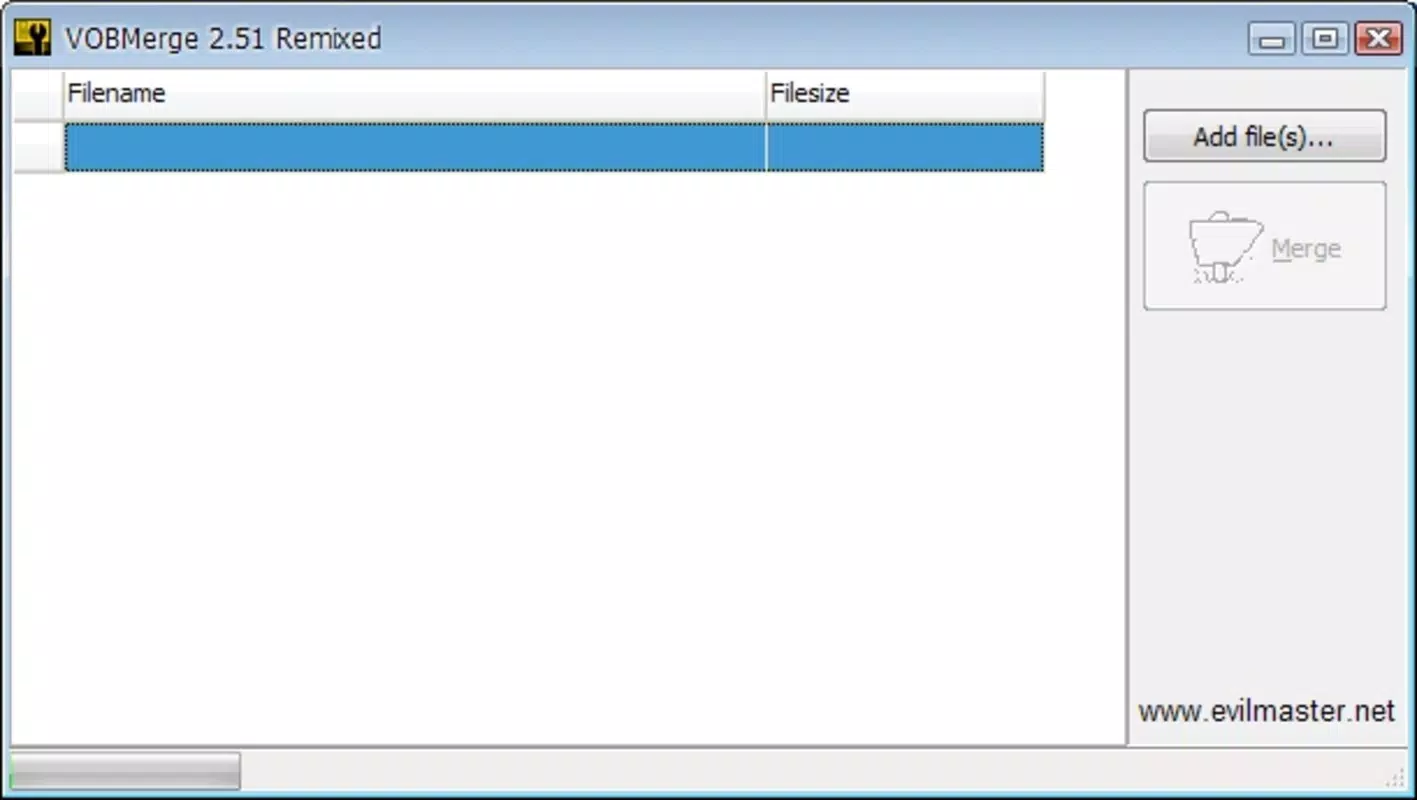
VOBMerge features a minimalistic interface focused on core functionality. The layout is clean, with clearly labeled buttons for selecting input files and output directories. Navigation is straightforward, relying on standard file browser dialogs to simplify file selection. There are no hidden menus or complex workflows, which contributes to a low learning curve.
Although the developer did not list formal performance metrics, the application’s lightweight nature—only 3.8 MB in size—suggests efficient resource usage. It is likely to run smoothly on a wide range of Windows systems, including older hardware. The merging process appears to be stable, with no reported issues related to crashes or corrupted output files.
Responsiveness is consistent during file selection and processing. The application does not consume excessive CPU or memory during operation, which is important for users working on lower-end machines. Stability is maintained across sessions, and the portable design ensures no residual data is left behind after use.
Platform Compatibility & Technical Requirements
VOBMerge is designed for the Windows platform and operates on Windows operating systems. The application version is 2.0, and the file size is 3.8 MB. It does not require installation, making it compatible with various Windows environments, including desktops and laptops.
The developer did not specify minimum OS requirements, so compatibility with modern Windows versions (such as Windows 10 or 11) cannot be confirmed with certainty. However, given its long-standing presence and small footprint, it is likely to function on most current Windows systems. Users should exercise caution when running older applications on updated systems due to potential compatibility or security limitations.
Pros and Cons
Pros
- Portable and requires no installation
- Simple, intuitive interface suitable for non-technical users
- Automated merging process with minimal user input
- Preserves original video quality in output files
- Small file size and low system resource usage
Cons
- Only available for Windows, limiting cross-platform use
- Not updated since 2010, raising potential compatibility concerns
- Limited to VOB file merging; no conversion to other formats
- No built-in preview or editing features
- Developer has not provided updated documentation or support
FAQ
Is VOBMerge safe to download and use?
Yes, VOBMerge is a free tool that does not contain malware or ads. However, as with any third-party application, users should download it from trusted sources to ensure integrity.
Can I use VOBMerge on Windows 10 or 11?
While the developer did not specify compatibility, the application’s lightweight and portable nature suggests it may work on modern Windows versions. Users should test it in a safe environment if concerned about system stability.
Does VOBMerge convert VOB files to MP4 or other formats?
No, VOBMerge only merges VOB files into a single file. It does not convert the output to MP4 or other video formats.
Do I need to install VOBMerge?
No, VOBMerge is a portable application. You can run it directly from a USB drive or folder without installation.
How do I use VOBMerge to merge DVD files?
Simply select the VOB files in order, choose an output folder, and start the merge. The tool automatically combines the files into one continuous video file.
Final Thoughts
VOBMerge remains a reliable, no-frills solution for users who need to merge VOB files into a single video file. Its portability, simplicity, and focus on core functionality make it a valuable tool for occasional use, especially in digital media management. While it lacks modern features like format conversion or editing, it excels in its intended purpose: efficient, high-quality merging of DVD video content.
For users with legacy DVD rips or those who prefer to store movies digitally, VOBMerge offers a straightforward and secure way to reassemble fragmented files. Its minimal footprint and free availability further enhance its appeal. Although the tool hasn’t been updated in over a decade, its continued functionality on older systems makes it a dependable choice for niche needs.
Download VOBMerge now


